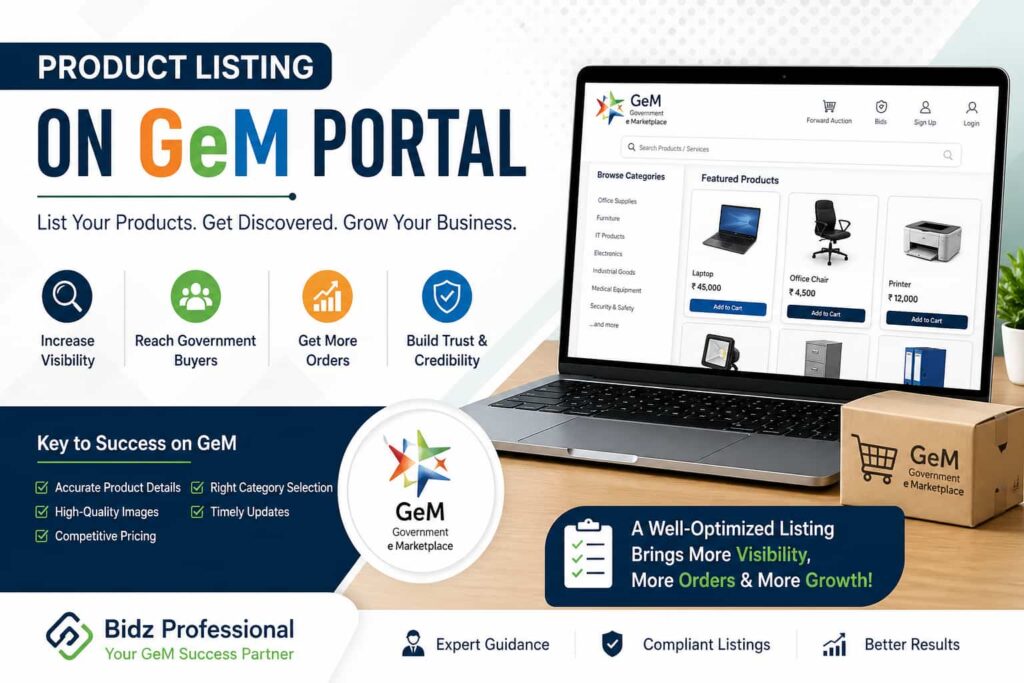
Selling on the Government e-Marketplace (GeM) is a great opportunity for businesses to reach government buyers across India. But simply registering is not enough—product listing on GeM portal plays a key role in getting visibility, attracting buyers, and winning orders. In this guide, you will understand how to list products effectively and improve your chances of success.
What is Product Listing on GeM Portal?
Product listing on GeM portal means uploading your products or services with complete details so that government buyers can find, compare, and purchase them. A well-optimized listing helps your products rank better and builds trust among buyers.
Why Product Listing Matters
A strong product listing is important because:
- It increases visibility in search results
- Helps buyers understand your product clearly
- Improves chances of receiving orders
- Builds credibility for your business
Many sellers register on GeM but struggle to get orders due to poor listings. That’s why focusing on quality listing is essential.
Step-by-Step Process for Product Listing on GeM Portal
1. Login to Your GeM Seller Account
Start by logging into your GeM seller dashboard using your registered credentials.
2. Choose Product Category
Select the correct category that matches your product. Choosing the wrong category can reduce visibility.
3. Add Product Details
Provide accurate and complete information such as:
- Product name
- Brand name
- Specifications
- Features and benefits
Make sure all details are clear and easy to understand.
4. Upload High-Quality Images
Images play a big role in buyer decisions. Use clear, professional images with a plain background.
5. Set Competitive Pricing
Keep your pricing competitive while maintaining profit margins. Compare similar products on GeM before finalizing.
6. Submit for Approval
After completing all details, submit your product for approval. GeM authorities review the listing before making it live.
Best Practices for Better Product Listing
To improve your product listing on GeM portal, follow these tips:
Use Relevant Keywords
Include keywords naturally in your product title and description so buyers can easily find your product.
Write Clear Descriptions
Avoid complicated language. Keep descriptions simple, informative, and focused on benefits.
Maintain Accuracy
Incorrect information can lead to rejection or poor buyer trust.
Keep Updating Listings
Regularly update your product details, pricing, and stock availability.
Common Mistakes to Avoid
Many sellers make small mistakes that affect performance:
- Uploading low-quality images
- Using incomplete product details
- Selecting the wrong category
- Ignoring keyword optimization
Avoiding these mistakes can significantly improve your results.
How Professional Support Can Help
If you are new to GeM or finding the process confusing, expert guidance can save time and effort. Bidz Professional helps businesses with proper product listing, ensuring compliance with GeM guidelines and better visibility. With the right support, you can focus more on growing your business instead of handling technical issues.
Final Thoughts
Product listing on GeM portal is not just a formal step—it is a powerful tool to attract buyers and increase sales. A well-optimized listing with clear details, good images, and proper pricing can make a big difference.
Whether you are a new seller or looking to improve performance, focusing on your listing strategy is the key to success. If needed, you can always take expert help from trusted service providers like Bidz Professional to streamline the process and get better results.