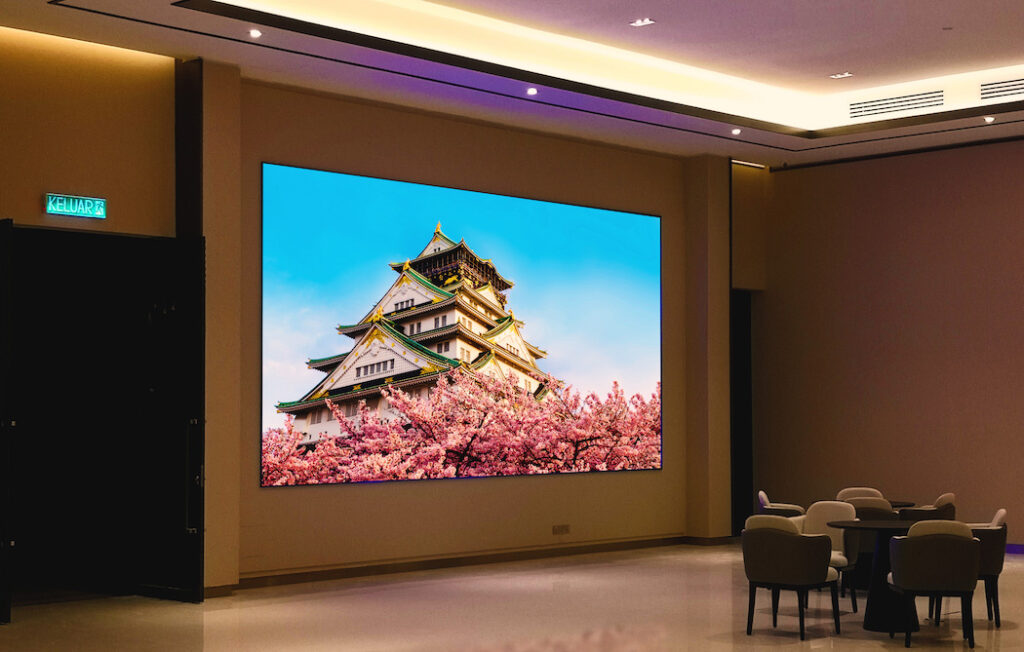
Getting your screen size wrong can quietly ruin an event. Too small, and guests at the back are squinting at a blur. Too large, and those in the front row are craning their necks. Whether you’re planning a corporate conference, a live concert, or a wedding reception, the screen is often the centrepiece of the entire experience—and sizing it correctly is more science than guesswork.
For event planners sourcing an LED screen rental, screen size calculations are one of the first decisions to get right. Nail it, and your visuals land with impact. Get it wrong, and no amount of great content will save the experience.
This guide walks you through every factor that matters, from audience size and venue dimensions to aspect ratios and real-world examples for different event types.
Why Screen Sizing Matters More Than You Think
A screen that’s too small frustrates your audience. One that’s too large overwhelms them—and can even cause visual fatigue over a long event. Beyond comfort, screen sizing directly affects content legibility, production value, and how professional your event looks on camera.
The good news? With a straightforward calculation process, you can arrive at the right size with confidence.
What Factors Determine the Right Screen Size?
Audience Size and Seating Arrangement
The number of guests and how they’re arranged is your starting point. A 500-person theatre-style conference has very different requirements from a 100-person banquet dinner. Consider:
- Maximum viewing distance: The furthest seat from the screen
- Minimum viewing distance: The closest seat to the screen
- Seating layout: Theatre-style, round tables, standing, or mixed
As a general rule, the width of the screen should be no less than one-tenth of the maximum viewing distance. So if your furthest guest is 30 metres away, your screen should be at least 3 metres wide.
Venue Dimensions and Ceiling Height
Indoor and outdoor venues behave very differently. A low-ceilinged ballroom limits how tall your screen can be, while an open outdoor space gives you more flexibility but introduces challenges with ambient light. Measure your available wall or staging space carefully, and factor in any rigging or structural restrictions.
Content Type
Text-heavy presentations need larger screens so that fonts remain legible from the back of the room. Video content and live feeds are more forgiving but still benefit from generous sizing. Ask yourself: what will be on this screen for the majority of the event? That answer should guide your minimum size.
Understanding Aspect Ratios and Resolutions
Most modern LED screens operate on a 16:9 aspect ratio—the same format as HD and 4K video content. This is the safe default for most events, especially if you’re displaying presentations, video playback, or live camera feeds.
Resolution matters too, but it works hand-in-hand with screen size. A high-resolution screen that’s too small defeats the purpose. Pixel pitch—the distance between individual LED pixels—determines how close viewers can stand before the image starts to break apart. Lower pixel pitch means finer detail and a closer minimum viewing distance. For most indoor events, a pixel pitch between P2.5 and P4 strikes the right balance between image quality and cost.
Step-by-Step Screen Size Calculation Guide
Here’s a practical process you can follow for any event:
Step 1 – Measure your venue
Identify the total length of the space from the screen position to the furthest seat. Note the ceiling height and available staging width.
Step 2 – Calculate screen width
Divide your maximum viewing distance by 10 to get the minimum recommended screen width.
Example: 25 metres ÷ 10 = 2.5 metre minimum width
Step 3 – Determine screen height
Apply the 16:9 ratio to your width. Multiply the screen width by 0.5625 to get height.
Example: 3 metres wide × 0.5625 = 1.69 metres tall
Step 4 – Verify minimum viewing distance
Multiply your pixel pitch (in millimetres) by 1,000 to get the minimum comfortable viewing distance in millimetres, then convert to metres.
Example: P3 pixel pitch = 3mm × 1,000 = 3,000mm = 3 metres minimum
Step 5 – Cross-check with your content
If you’re displaying text-heavy slides, consider sizing up by 20–30% beyond the minimum to ensure legibility.
Practical Examples for Different Event Types
Corporate Conference (300 attendees, 20m room depth)
Recommended screen width: 3–4 metres. A single 4m × 2.25m LED screen positioned centrally, or two flanking screens of 3m × 1.69m each for wider rooms.
Live Concert or Festival (outdoor, 500+ standing)
For outdoor events with ambient light, brightness becomes as important as size. A screen width of 6–8 metres is common, with high-brightness panels rated at 5,000 nits or above to compete with daylight.
Wedding Reception (100 guests, round tables)
Intimate settings call for proportion. A 2.5m × 1.4m screen works well for slideshows and video messages, without overpowering the décor.
Product Launch (200 attendees, theatre-style)
Visual impact is everything here. A wider 5m × 2.8m screen commands attention and supports cinematic content formats.
Common Screen Sizing Mistakes to Avoid
Underestimating viewing distance: Many planners focus on the average viewer rather than the furthest. Always design for the back row.
Ignoring ambient light: A screen that looks stunning in a darkened room may wash out completely in a naturally lit venue. Always confirm brightness specifications with your supplier.
Forgetting about content format: If your presenter’s slides are in 4:3 format and your screen is 16:9, you’ll end up with black bars on either side—or a distorted image. Confirm content specs early.
Overlooking rigging and safety requirements: Large screens are heavy. Ensure your venue can safely support the screen weight, and account for rigging time in your event schedule.
Choosing size over pixel pitch: A massive screen with a high pixel pitch in a small indoor venue will produce a pixelated image for close-up viewers. Match the pixel pitch to your minimum viewing distance.
Ensuring a Seamless Visual Experience
Screen sizing isn’t a decision to leave until the last minute. It affects staging layout, content production, rigging logistics, and ultimately how your audience experiences the event. Start with your venue measurements and audience size, work through the calculation steps above, and always consult with your LED screen supplier—they’ll have hands-on experience with venues similar to yours.
A well-sized screen disappears into the event in the best possible way. Your audience stops thinking about the technology and starts absorbing the content. That’s exactly where you want them.