Picking a point of sale system can feel confusing. Every vendor claims their product fits everyone, yet a bakery, a clothing store, and a repair shop do not run the same way. This guide explains what POS software for all business types really means, which features matter, and how to choose a system that fits your daily work. By the end, you will know what to look for, what to avoid, and what to do next.
Nenu Soft Technologies is a software house with 10+ years of experience. We build websites, mobile apps, SaaS platforms and POS software for businesses in Pakistan and worldwide.
What Is POS Software for All Business Types?
POS stands for point of sale. It is the system that records a sale, takes payment, and prints or sends a receipt. Modern POS software does much more. It tracks stock, stores customer details, creates reports, and often connects to your accounting records.
So what does “POS software for all business” mean? The direct answer is this: no single product is perfect for every business, but many systems are flexible enough to work across retail, food service, and service trades. These platforms let you switch features on or off and add tools as you grow. A well-built general-purpose POS gives you the core tools every seller needs, then lets you add the extras your industry requires.
Think of it like a toolbox. The basic tools, such as checkout, inventory, and reports, are the same for everyone. The special tools, such as table management for a cafe or appointment booking for a salon, depend on your trade.
Core Features Every Business Needs
Every business, large or small, needs a few basics from its POS software. Start with fast and reliable checkout. If your cashier waits ten seconds for each screen to load, customers notice. The system should handle cash, cards, and mobile wallets without fuss, and it should let you process refunds and exchanges easily.
Next comes inventory management. Even a service business often sells a few products on the side. Good inventory tools show what you have, warn you when stock is low, and help you spot items that never sell. You can then buy smarter and avoid tying up cash in dead stock.
Reporting is the third pillar. A good system shows daily sales, best-selling items, busy hours, and staff performance. These reports turn guesswork into clear decisions. For example, if you see that Tuesday afternoons are slow, you can run a small promotion or adjust staff hours.
Finally, look for user permissions. You may not want every employee to issue refunds or change prices. Role-based access protects your money and your data.
How Different Businesses Use POS Software
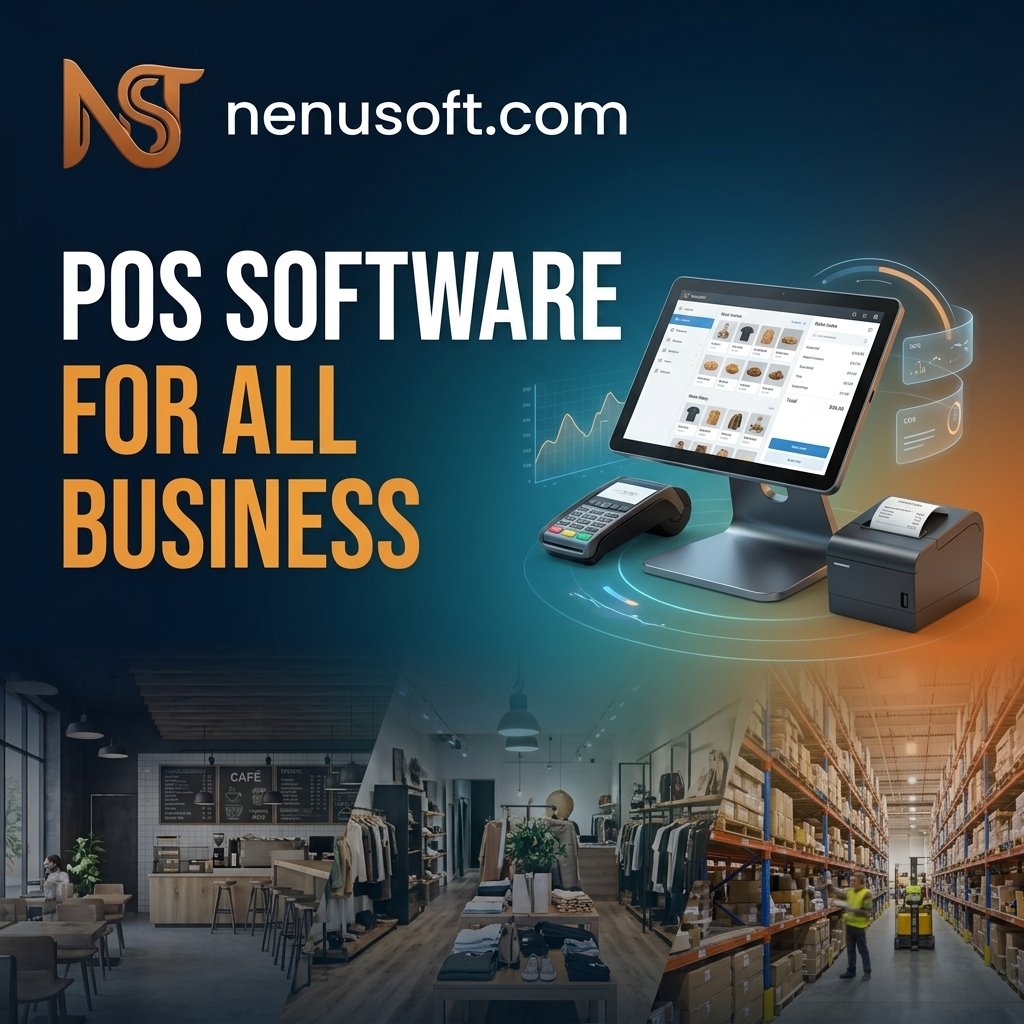
The best way to understand a retail POS system or any other type is to see how real businesses use it.
Retail Stores
A small shop selling clothes or electronics needs barcode scanning, size and color variations, and strong stock tracking. When a customer asks whether a shirt comes in blue, staff should check in seconds. Many retail owners also use loyalty tools to reward repeat buyers.
Restaurants and Cafes
Food businesses need order management, table tracking, kitchen tickets, and split bills. Speed matters most during rush hour. A system that sends orders straight to the kitchen reduces mistakes and keeps customers happy. Some cafes also use tipping options and online ordering.
Service Businesses
Salons, repair shops, and clinics care less about shelves and more about time. They need appointment booking, client history, and service packages. A salon owner, for example, may want to see a client’s last visit and preferred products before the next appointment begins.
Wholesale and Small Distributors
These businesses often deal with bulk orders, credit accounts, and customer-specific pricing. A POS that supports invoices and customer balances is far more useful here than a simple checkout screen.
Cloud-Based vs. Offline POS Software
One big choice is how the software runs. A cloud-based POS stores data online, so you can check sales from your phone and manage several branches from one place. Updates usually arrive automatically, and your data is backed up off-site.
The downside is internet dependence. If your connection drops, some cloud systems stop working or switch to a limited mode. This matters a lot if your area has unstable internet or frequent power cuts.
An offline or locally installed system keeps working without internet, which is a real advantage in places with weak connectivity. However, you are responsible for backups and updates, and remote access is often harder.
Many modern products offer a hybrid approach. They let you keep selling during an outage and sync data once the connection returns. If your internet is unreliable, ask any vendor to show you exactly how their system behaves offline before you buy.
What Does POS Software Cost?
Pricing varies widely, so be careful with any quote that sounds too good. Common models include a monthly subscription, a one-time license fee, or a free basic plan that charges for extras. Payment processing fees may also apply, usually as a percentage of each card sale.
Look beyond the headline price. Ask about setup fees, training, support, extra users, extra locations, and hardware. Hardware can include a barcode scanner, receipt printer, cash drawer, and tablet or computer. Some vendors require their own devices, while others work with equipment you already own.
A simple rule helps here. Add up the total cost over two or three years, not just the first month. A cheap plan with expensive add-ons can cost more than a fair all-inclusive one.
Common Mistakes When Choosing a POS System
The most common mistake is buying based on a sales demo alone. Demos show the best side of a product. Instead, ask for a free trial and run real tasks, such as ringing up a sale, issuing a refund, and adding a new product.
Another mistake is ignoring growth. A system that suits one counter today may struggle if you open a second branch next year. Check whether you can add users and locations without switching platforms.
Many owners also forget about data export. Your sales and customer data belong to your business. Make sure you can export it in a standard format if you ever want to leave.
Poor staff training is the last big problem. Even the best POS software fails if your team does not understand it. Plan a short training session, write a simple cheat sheet for common tasks, and let staff practice before the busy season.
How to Choose the Best POS Software for Your Business
Start by writing down how your business actually sells. Note how customers pay, how you track stock, and what reports you wish you had. This gives you a clear checklist before you talk to any vendor.
Then shortlist two or three options and test them. Pay attention to how easy the screens feel. If a new employee cannot learn the basics in an hour or two, the system may be too complicated for your needs.
Check support quality as well. Send a question during the trial and see how quickly and clearly they respond. When your system fails on a busy Saturday, good support matters more than any feature list.
Whether you run a shop, club, pharmacy or restaurant, our POS software for all business is built to fit how you work. Explore our full range of ready-made systems.
Finally, think about security. Your POS handles card payments and customer information, so choose a provider that follows recognized payment security practices and offers regular updates. No system is perfectly safe, but a responsible vendor will explain how they protect your data.
Frequently Asked Questions
Can one POS system really work for every type of business?
Not perfectly. Most flexible systems cover the basics well, but specialized needs, such as restaurant table management or appointment booking, may require added modules or a different product. Always test the features your own business depends on.
Do I need special hardware to use POS software?
Not always. Many systems run on a tablet, phone, or regular computer. You may only need extras like a receipt printer or barcode scanner. Confirm which devices are supported before you commit.
Is free POS software good enough for a small business?
It can be, especially when you are just starting. Free plans often limit users, reports, or support, and may charge higher processing fees. Read the terms carefully and check what you would pay as you grow.
How long does it take to set up a POS system?
A simple setup can take a few hours to a day, mostly to add products and prices. A larger business with many items, branches, or staff accounts may need several days. Importing your product list from a spreadsheet saves a lot of time.
Your Next Step
The right POS software for all business needs comes down to fit, not hype. Choose a system that handles fast checkout, accurate inventory, and clear reports, then add only the features your trade truly needs. Compare total costs, test the system offline, and train your team properly.
Your next step is simple. Write a one-page list of how your business sells today, then use it to test two or three trial accounts side by side. The system that feels easiest during real daily work is usually the one worth keeping.